Modern High-Gloss Coffee Table with 2 Drawers and 2 Shelves, White
White Coffee Table with App-Controlled LED Lighting
Product Specifications
Overall Dimensions: 95 x 53 x 37 cm (L x W x H)
Total Weight: 26.5 kg
Maximum Load Capacity: 30 kg
Color: White
Frame Material: PB
LED Control: App only (No Remote Control)
Package Dimensions: 104 x 63.5 x 14 cm
Package Weight: 28 kg
LED App Setup and Installation Instructions1. iOS and Android users can download the "LotusLantern" app by scanning the QR code found in the user manual. Use a browser or other "scan QR code" tool for this step.
2. Click the LotusLantern app icon to open the application page.
3. If Bluetooth is disabled, a message will appear asking to enable it for the application. Click "Allow."
4. To install the lights, simply attach the light strip to a clean, dry surface using the adhesive backing. For improved adhesion, use the included adhesive tape.
5. Please test the LED light strips before installation and install them carefully. If you have any questions, please contact us.
Product Information
Product Information
Shipping & Returns
Shipping & Returns


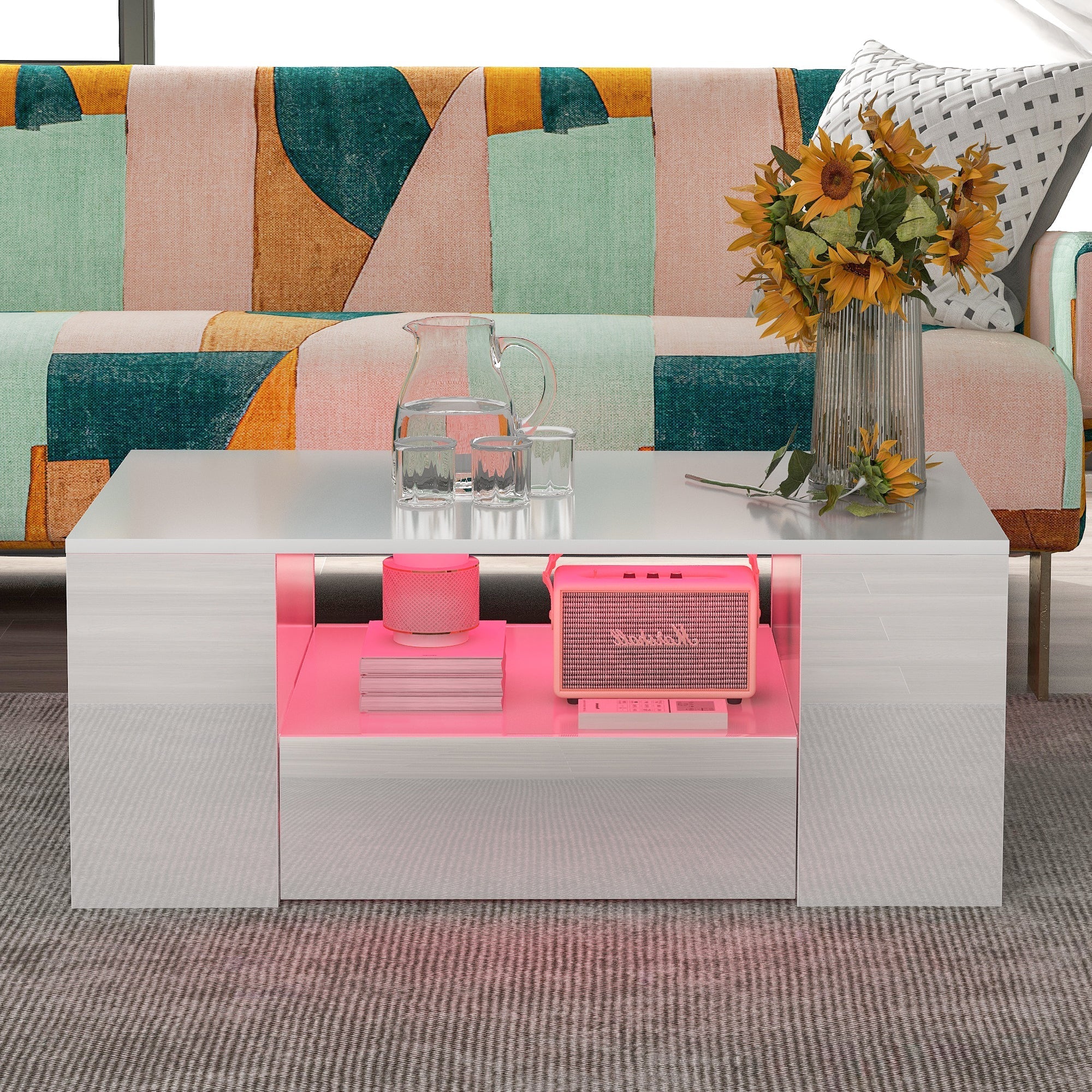


Modern High-Gloss Coffee Table with 2 Drawers and 2 Shelves, White
Modern High-Gloss Coffee Table with 2 Drawers and 2 Shelves, White
White Coffee Table with App-Controlled LED Lighting
Product Specifications
Overall Dimensions: 95 x 53 x 37 cm (L x W x H)
Total Weight: 26.5 kg
Maximum Load Capacity: 30 kg
Color: White
Frame Material: PB
LED Control: App only (No Remote Control)
Package Dimensions: 104 x 63.5 x 14 cm
Package Weight: 28 kg
LED App Setup and Installation Instructions1. iOS and Android users can download the "LotusLantern" app by scanning the QR code found in the user manual. Use a browser or other "scan QR code" tool for this step.
2. Click the LotusLantern app icon to open the application page.
3. If Bluetooth is disabled, a message will appear asking to enable it for the application. Click "Allow."
4. To install the lights, simply attach the light strip to a clean, dry surface using the adhesive backing. For improved adhesion, use the included adhesive tape.
5. Please test the LED light strips before installation and install them carefully. If you have any questions, please contact us.
Original: $251.85
-65%$251.85
$88.15Product Information
Product Information
Shipping & Returns
Shipping & Returns
Description
White Coffee Table with App-Controlled LED Lighting
Product Specifications
Overall Dimensions: 95 x 53 x 37 cm (L x W x H)
Total Weight: 26.5 kg
Maximum Load Capacity: 30 kg
Color: White
Frame Material: PB
LED Control: App only (No Remote Control)
Package Dimensions: 104 x 63.5 x 14 cm
Package Weight: 28 kg
LED App Setup and Installation Instructions1. iOS and Android users can download the "LotusLantern" app by scanning the QR code found in the user manual. Use a browser or other "scan QR code" tool for this step.
2. Click the LotusLantern app icon to open the application page.
3. If Bluetooth is disabled, a message will appear asking to enable it for the application. Click "Allow."
4. To install the lights, simply attach the light strip to a clean, dry surface using the adhesive backing. For improved adhesion, use the included adhesive tape.
5. Please test the LED light strips before installation and install them carefully. If you have any questions, please contact us.